

10 Sep, 2026
How Growmax Is Helping Dubai’s Local Businesses Win Online
Managing your finances has become more challenging than ever. With online shopping, digital wallets, subscription services, credit cards, and UPI payments becoming part of everyday life, it’s easy to lose track of where your money goes. While spreadsheets and notebooks were once the preferred way to manage expenses, they no longer match the speed of modern financial life.
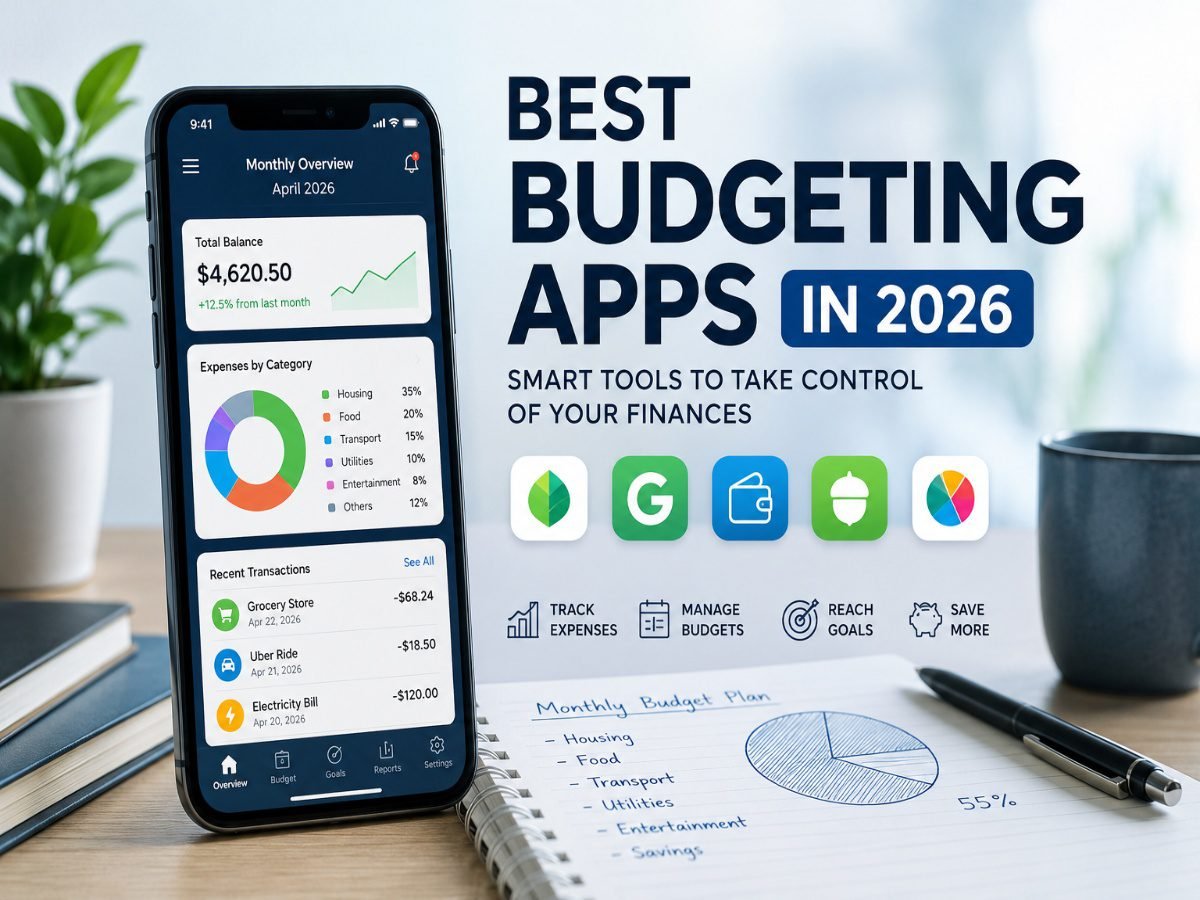
Budgeting apps offer a smarter solution. They automatically organize your income and expenses, provide insights into your spending habits, and help you stay focused on your financial goals. Whether you’re a student, a working professional, or managing a family’s finances, the right budgeting app can make saving money simpler and more effective.
In this guide, we’ll explore the best budgeting apps in 2026, their key features, and how to choose the one that best fits your financial needs.
Why Budgeting Is More Important Than Ever
A budget is more than just tracking expenses—it’s a financial roadmap. It helps you understand where your money is going, prepare for unexpected expenses, and work toward long-term goals like buying a home, building an emergency fund, or planning for retirement.
Without a clear budget, it’s easy to overspend on small daily purchases that slowly impact your savings.
Some key benefits of budgeting include:
- Better control over monthly expenses
- Reduced financial stress
- Increased savings
- Improved debt management
- Better preparation for emergencies
- Smarter financial decision-making
Budgeting apps make these tasks easier by providing real-time financial insights without requiring hours of manual calculations.
What Is a Budgeting App?
A budgeting app is a digital financial management tool that helps users monitor income, expenses, savings, and spending habits. Most modern apps connect securely with bank accounts and credit cards to automatically categorize transactions, making budgeting faster and more accurate.
Instead of entering every purchase manually, these apps organize your expenses into categories such as groceries, transportation, entertainment, shopping, healthcare, and utilities.
Many budgeting apps also provide:
- Spending reports
- Savings goal tracking
- Bill reminders
- Investment tracking
- Budget alerts
- Subscription monitoring
The goal isn’t simply to record transactions but to help users develop healthier financial habits over time.
Features to Look for in a Budgeting App
Choosing the right budgeting app depends on your personal financial needs. Before downloading one, consider these essential features.
Automatic Expense Tracking
Apps that connect with your bank account automatically import and categorize transactions, saving time and reducing manual effort.
Budget Planning
A quality budgeting app should allow you to set monthly limits for different spending categories and notify you when you’re approaching those limits.
Savings Goals
Whether you’re saving for a vacation, new car, higher education, or emergency fund, goal tracking keeps your financial objectives visible and motivates consistent saving.
Financial Reports
Charts, graphs, and monthly summaries make it easier to identify spending patterns and discover areas where you can save more.
Security
Best Budgeting Apps in 2026
1. YNAB (You Need A Budget)
YNAB remains one of the most trusted budgeting platforms available today. Instead of simply tracking expenses, it encourages users to assign every dollar a specific purpose before spending it.
Best For
People serious about improving financial discipline and reducing debt.
Pros
- Excellent budgeting framework
- Goal-based planning
- Detailed financial reports
- Strong educational resources
Cons
- Monthly subscription required
- Slight learning curve for beginners
2. PocketGuard
PocketGuard simplifies budgeting by calculating how much disposable income remains after accounting for bills, savings, and recurring expenses.
Best For
Individuals who want an easy-to-use budgeting solution.
Pros
- Simple interface
- Automatic expense categorization
- Spending alerts
- Subscription tracking
Cons
- Limited customization in the free version
3. Empower
Empower combines budgeting with investment tracking, making it ideal for users managing multiple financial accounts.
Best For
Professionals and investors.
Pros
- Net worth tracking
- Investment analysis
- Retirement planning tools
- Comprehensive financial dashboard
Cons
- Investment features may be unnecessary for basic users
4. Goodbudget
Goodbudget modernizes the traditional envelope budgeting method by dividing your monthly income into digital spending categories.
Best For
Users who prefer manual budgeting.
Pros
- Easy to understand
- Family sharing options
- Great for disciplined budgeting
Cons
- Requires manual transaction entry
5. Honeydue
Honeydue is designed specifically for couples who want to manage shared finances while maintaining privacy over personal spending.
Best For
Couples and families.
Pros
- Shared budgeting
- Bill reminders
- Expense splitting
- Goal tracking
Cons
- Limited investment features
Budgeting Apps Comparison
| App | Best For | Free Version | Platform |
| YNAB | Serious budgeting | Trial | Android, iOS, Web |
| PocketGuard | Daily spending | Yes | Android, iOS |
| Empower | Investments | Yes | Android, iOS, Web |
| Goodbudget | Envelope budgeting | Yes | Android, iOS |
| Honeydue | Couples | Yes | Android, iOS |
Free vs Paid Budgeting Apps
Choosing between free and premium budgeting apps depends on your financial situation and personal preferences.
Free apps are suitable for:
- Students
- Beginners
- People with simple financial needs
- Users comfortable entering transactions manually
They generally include expense tracking, spending summaries, and basic budgeting tools.
Paid Budgeting Apps
Premium versions are worth considering if you:
- Manage multiple bank accounts
- Have investments and loans
- Need automatic bank synchronization
- Want detailed financial reports
- Require advanced budgeting tools
For many users, the time saved through automation justifies the subscription cost.
Tips for Using a Budgeting App Effectively
Downloading a budgeting app is only the first step. Building consistent habits is what leads to long-term financial success.
Review Your Budget Weekly
Spend five to ten minutes each week reviewing transactions and adjusting spending categories if needed.
Set Realistic Spending Limits
Avoid creating unrealistic budgets that are difficult to maintain. Base your limits on your actual spending habits.
Enable Notifications
Turn on bill reminders and spending alerts to avoid late payments and unnecessary expenses.
Track Financial Goals
Whether you’re saving for a holiday, a new laptop, or an emergency fund, regularly monitoring progress keeps you motivated.
Monitor Recurring Payments
Many people unknowingly pay for subscriptions they no longer use. Budgeting apps help identify recurring charges so you can cancel unnecessary services.
Common Budgeting Mistakes to Avoid
Even with budgeting tools, certain habits can slow financial progress.
Ignoring Small Expenses
Daily coffee, food deliveries, and impulse purchases may seem insignificant individually, but they can add up to substantial monthly expenses.
Forgetting Subscription Services
Streaming platforms, fitness memberships, and software subscriptions often continue unnoticed. Reviewing recurring payments can reduce unnecessary spending.
Setting Unrealistic Budgets
An overly restrictive budget is difficult to maintain. Focus on gradual improvement rather than perfection.
Not Reviewing Progress
Budgeting is an ongoing process. Regular reviews help identify opportunities to improve your financial habits and increase savings.
Frequently Asked Questions
Are budgeting apps safe?
Yes. Reputable budgeting apps use bank-level encryption and secure authentication methods to protect user information. Always choose trusted providers and enable multi-factor authentication whenever available.
Can budgeting apps automatically track expenses?
Many budgeting apps automatically categorize eligible transactions when connected to supported bank accounts. Others also allow manual expense tracking for users who prefer greater control.
Which budgeting app is best for beginners?
PocketGuard, Goodbudget, and Money Manager are excellent options for beginners due to their simple interfaces and easy budgeting features.
Are free budgeting apps worth using?
Absolutely. Free budgeting apps provide enough functionality for users with basic financial needs. Premium versions simply add automation and advanced financial insights.
Can budgeting apps help increase savings?
Yes. By monitoring spending patterns, tracking goals, and identifying unnecessary expenses, budgeting apps encourage better financial decisions and consistent saving habits.
Final Thoughts
The best budgeting app isn’t necessarily the one with the most features, it’s the one you’ll use consistently. Whether you’re trying to reduce debt, build savings, or simply gain better control over your monthly expenses, the right budgeting app can simplify money management and improve your financial confidence.
If you’re just starting, a free app like Goodbudget or PocketGuard is a great place to begin. As your financial needs grow, you can explore premium solutions such as YNAB or Empower for more advanced planning and automation.
Developing healthy financial habits doesn’t happen overnight, but with the right tools and consistent effort, managing your money can become easier, more organized, and far less stressful.







Leave a Comment